
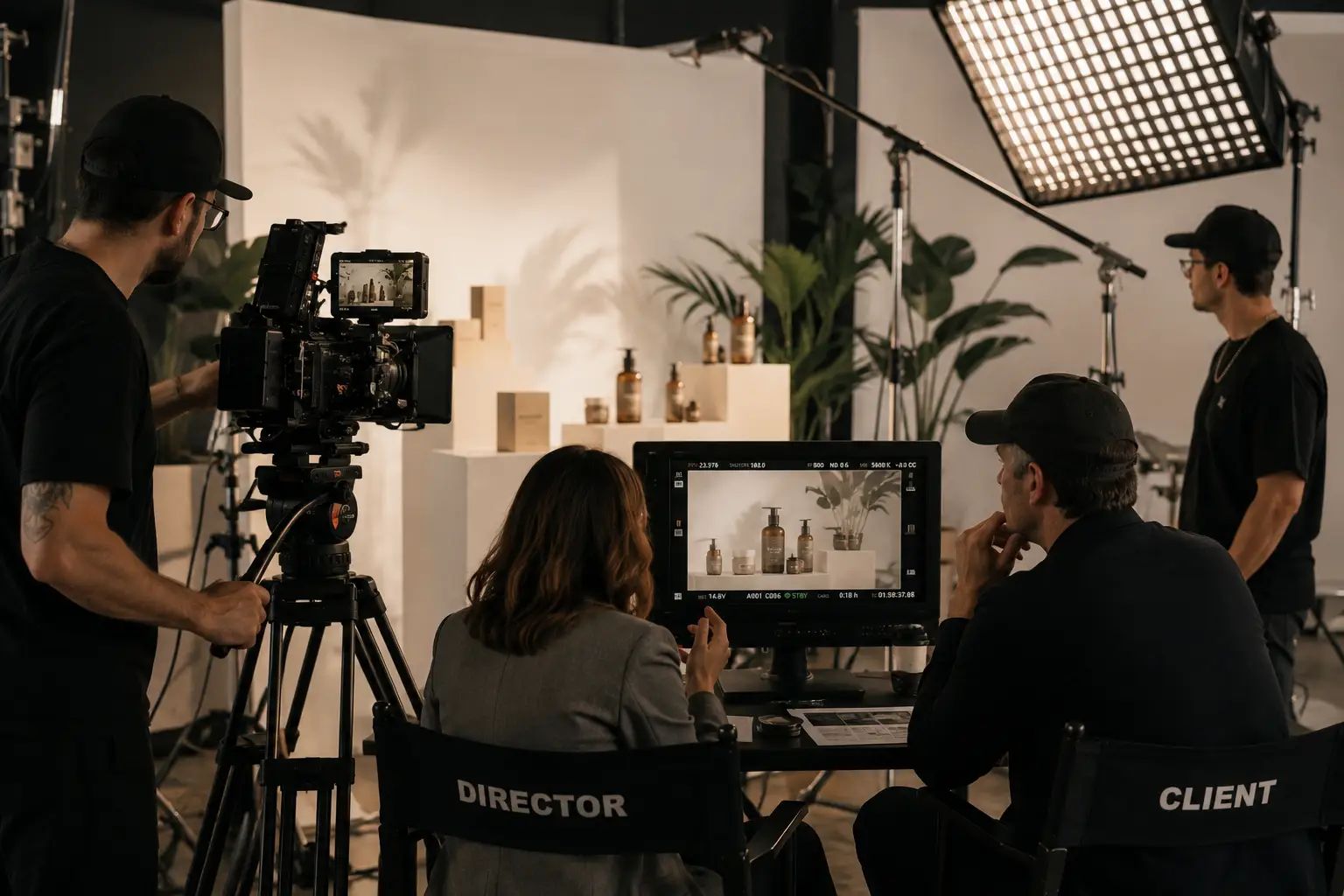
The Amazon listing video mistakes that hurt sales most are a slow start, an edit that only works with sound on, and a product that isn't clearly visible in the first frame. They're all easy to fix before you shoot.
At AD.JUST we make Amazon product videos for brands like Viski, Aiper and Airrobo, and we review a lot of listing videos made by others. The same seven problems come up again and again.
1. No hook in the first three seconds
Shoppers scroll a listing fast. If the first seconds are a logo, a slow pan or an empty room, most of them never see the product. Open on the product doing its main job.
Think about how people actually reach your video. They land on the listing from search, glance at the main image, swipe through a few photos and tap the video thumbnail. By then they already know roughly what the product is. What they want is to see it work. A pool cleaner climbing a wall, a tumbler being filled and turned upside down, a wallet folding shut with cards inside. That first moment should answer "does this do what I need?" before they've had time to get bored.
A useful habit: write down the single most important thing a buyer needs to see, then make that the opening shot. Everything else in the video supports it.
2. An edit that needs sound
Many people watch listing videos on mute, especially on phones. If the key benefit only exists in the voiceover, it's lost. Put the main points on screen as short text and let the visuals carry the story.
On-screen text works best when it's short and specific. "Fits 12 cards" is better than "Spacious design". "Charges in 2 hours" is better than "Fast charging". Keep each line to a few words, leave it on screen long enough to read twice, and keep it away from the edges of the frame where it can get cropped on different devices. Voiceover is still fine for people who turn sound on, but the video should make complete sense without it.
3. The product isn't clear in the opening frame
The first frame often works as the thumbnail. A wide lifestyle shot where the product is small doesn't tell anyone what they're about to watch. Start close.
Lifestyle shots still have a place, just later in the video. Once the buyer knows what the product is, a shot of someone using it at home shows scale and context. The order matters: product first, life second. Reversing it is one of the most common reasons a nice-looking video doesn't move the conversion rate.
4. Running too long
A listing video is not a brand film. Most product videos land best between 30 and 90 seconds. If you need more, make a second video for setup or care instead of stretching one.
Look at the structure of a typical 60-second listing video that works: about 5 seconds of hook, 30 to 40 seconds of key features shown in use, 10 seconds of close details or what's in the box, and a few seconds of the product in its setting at the end. No long logo animation, no outro card with your website, no "subscribe" prompt. Amazon shoppers are on Amazon. They don't need to be sent anywhere else, and Amazon doesn't allow it anyway.
5. Claims and offers that get the video rejected
Prices, discounts, "best seller" style claims and health or performance claims you can't prove are common reasons for rejection. Keep the video about what the product does and show it doing it. Check the current rules in Seller Central before you finalize the script.
Other things that commonly cause trouble: mentioning competitors by name, showing other brands' logos in the background, references to shipping speed or delivery promises, links or calls to visit your own website, and before-and-after claims that suggest medical results. A rejected video costs you time, and if your launch is on a deadline, that time is the expensive part. Have someone read the script against Amazon's current guidelines before the shoot, not after the edit.
6. Wrong file specs
Amazon's guidance for seller-uploaded videos lists MP4 or MOV files up to 1080p and a maximum of 5 GB. You can shoot in 4K, but export to the listed spec. Amazon's own guide to product videos walks through upload and display rules.
Other spec details trip people up too: very dark or low-contrast edits that look muddy on phones, audio that's much louder than other videos on the page, and black bars from exporting the wrong aspect ratio. Watch the final file on an actual phone before uploading, not just on a big monitor.
7. One video for every placement
A listing video, a Sponsored Brands video ad and an A+ video do different jobs. Ads need the hook in the first second and a tighter edit. Plan both from one shoot so you get the right cut for each place.
The listing video can afford to explain. A Sponsored Brands video ad shows up in search results while people are comparing options, so it has a few seconds to make someone stop and look. That usually means a shorter cut, often 15 to 30 seconds, built around one benefit and a strong first frame. A+ and Brand Store videos can be longer and more about the brand and the range. All three can come from the same shoot day if the shot list covers them.
Smaller mistakes that still cost sales
Messy hands and dusty products. In close-ups, fingerprints, chipped nail polish and dust on a glossy surface are all visible, and they make a product look cheap. A few minutes of prep on set saves the edit.
The wrong scale. If the buyer can't tell how big the product is, they'll guess, and some will guess wrong and return it. Show it in a hand, on a counter or next to a familiar object.
Showing features nobody asked about. Your engineering team might be proud of a detail that buyers never mention. Your reviews and the questions section tell you what people actually care about. Lead with that.
Stock music that fights the product. Upbeat generic music over a calm, premium product feels off. Pick music that matches the brand, keep it low, and make sure you have the license for commercial use on Amazon.
Bonus mistake: never updating the video
Listings change. Packaging gets redesigned, a new color launches, customers start asking a question nobody expected. A video made two years ago might be showing an old box or missing the feature people now care about most. Check your listing video at least once a year against your latest reviews and questions. Often a re-edit of existing footage with new text is enough, and it costs far less than a new shoot.
How to tell if your listing video is working
Amazon gives brand-registered sellers some video performance data, and you can compare conversion rates before and after a new video goes live. Keep other changes to a minimum while you test, so you know what made the difference. If your listing has several videos, check which one is in the first slot. That's the one most shoppers see. For ads, compare click-through rate and cost per sale between video and static creative. Video usually wins, but the edit and the opening frame make a big difference.
A quick pre-upload checklist
- Product visible in the first frame
- Main benefit shown in the first three seconds
- Every key point readable on mute
- 30 to 90 seconds
- No prices, promotions or unprovable claims
- Exported as MP4 or MOV at up to 1080p
Getting these right pays off. On our e-commerce product video page we share client results such as 4x ROAS on Amazon PPC with Sponsored Brands video. For a full walkthrough, read how to make Amazon product videos.
Get a quote for Amazon product videos
AD.JUST Video Production is a Verified Amazon Ads Partner in Los Angeles. We made 100+ product videos in 4 months for Viski, plus listing and ad videos for Aiper, Airrobo and DIGGS.
Send us your ASIN or product page and we will send a plan and a price.
Amazon listing video FAQ
How long should an Amazon listing video be?
Most work best between 30 and 90 seconds. Use a second video for setup or care instructions instead of making one long video.
Why was my Amazon video rejected?
Common reasons are prices or promotions in the video, claims you can’t prove, and files that don’t meet the upload specs. Check the current rules in Seller Central.
Do Amazon listing videos need sound?
They should work without it. Many shoppers watch on mute, so put key points on screen as short text.
Can you fix an existing Amazon video?
Often, yes. We can re-edit your footage with a stronger opening and on-screen text, or reshoot the key shots. See our Amazon product video production page.